

Control Screen Usage with FamilyTime App

Many parents today are increasingly worried about their children’s excessive screen time, which can lead to various health issues that extend beyond the physical realm and impact mental well-being as well. Some of the notable problems include:
- Digital Eye Strain
- Attention Deficit Disorder
- Obesity
- Sleep Disturbances
- Back Pain
- Neck Pain
- Headaches
And the list continues…
It’s a well-recognized issue that prolonged screen exposure can pose significant health risks to children. Worrying alone won’t help, so it’s vital to take proactive measures to manage their screen time effectively. Utilizing parental control apps such as FamilyTime can empower parents to enforce their rules effectively. Curious to know how? Keep reading!
Using FamilyTime to Manage Screen Time
FamilyTime is a sophisticated parental control application designed to support parents in their roles.

Today’s children can be quite resistant, making it challenging for parents to enforce setting rules. FamilyTime offers several valuable features to help manage screen time, including:
1) Access Management:
Set up automatic device locks for specific periods such as:
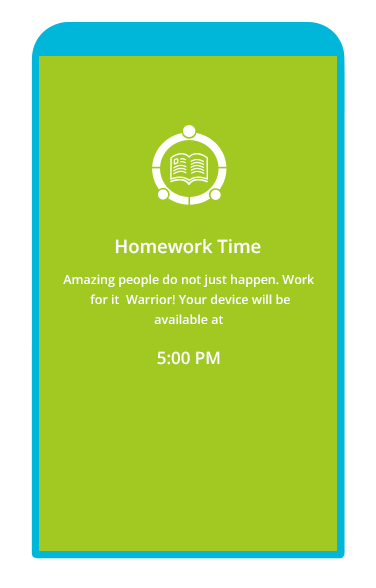
Study Time: Automatically lock devices during homework sessions.
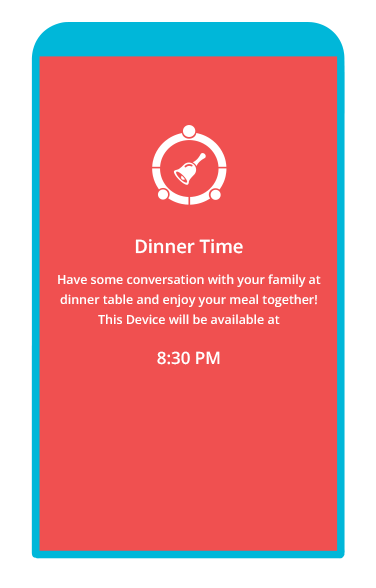
Dinner Time: Prevent screen distractions during mealtime by locking devices.
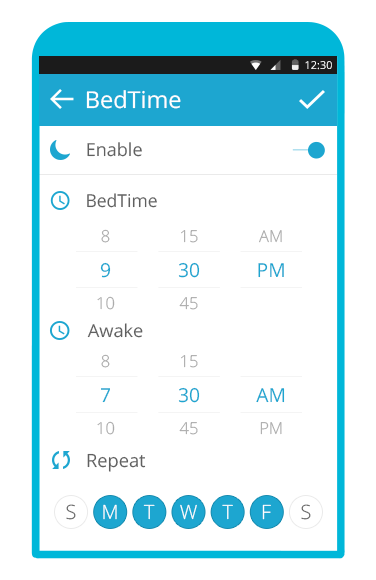
Bedtime: Control device usage at night by scheduling locks for bedtime.
 2) Remote Device Lock:
Easily manage your child’s device by remotely locking their phone to either restrict screen time or protect their personal information.
Doesn’t that sound like a dream come true? With digital tools designed for modern parenting, you can enjoy a more manageable parenting experience. Download FamilyTime today from the app store by clicking the links below:


Trackbacks
-
[…] can also use a limit screen time app to cut down their digital time. Just lock their phones or tabs when you think they are playing a […]
Reply
Add Your Comment Cancel reply


Comments