

I am excited to collaborate with CVS Pharmacy to promote #BetterHealthMadeEasy and how to #FindYourHealthy. The opinions shared here are solely mine, and all product information or program specifics can be verified at CVS.com or with the respective manufacturers.
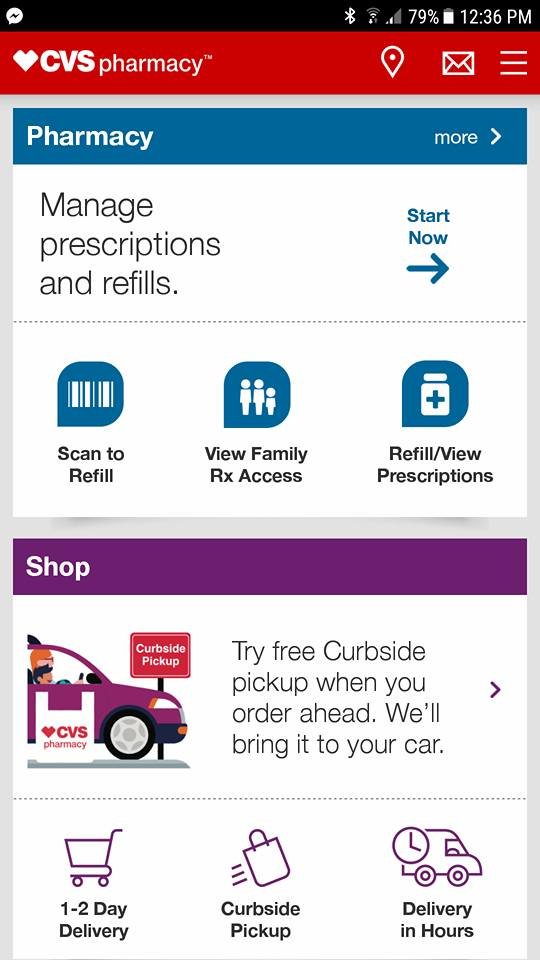
The journey of motherhood comes with endless responsibilities, and among those, keeping track of prescriptions is often an afterthought. Fortunately, the CVS Pharmacy App on my phone helps ensure that we don’t run out of our essential medications.
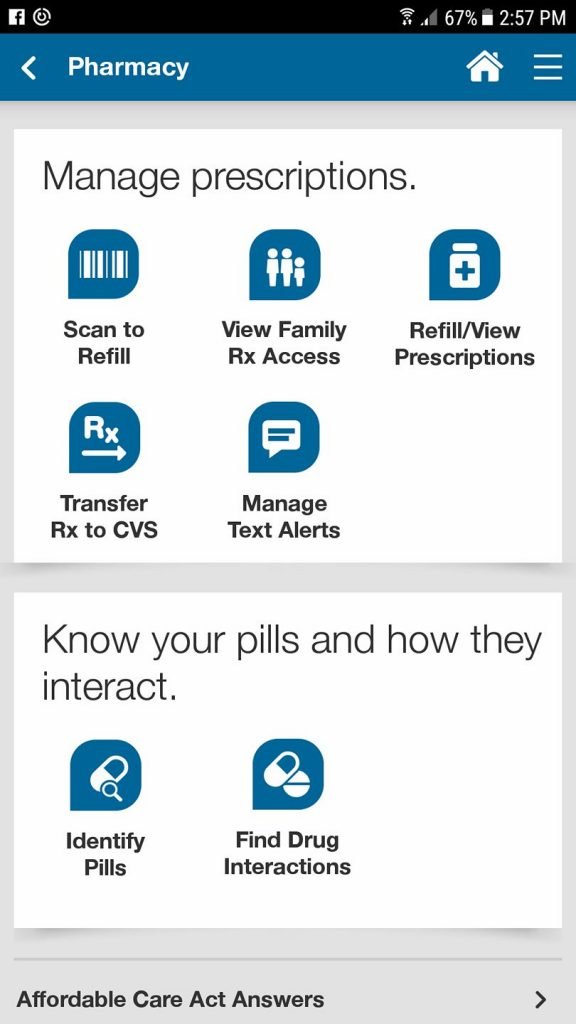
With just a few taps on the app, I can refill prescriptions, check all my medications, request renewals, and even transfer prescriptions to another CVS. And should you accidentally spill your pill organizer like I’ve done, it can help identify your pills too.
Additionally, I have set up text alerts within my account. Whenever my auto-refill medications are prepared for collection, I receive a text notification along with a link to see which one it is.
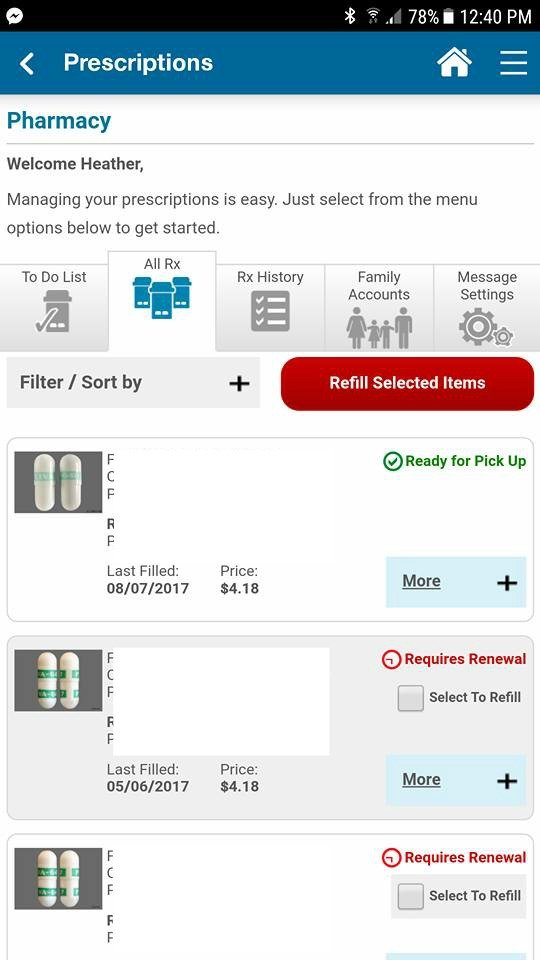
The “all rx” page displays all my fulfilled prescriptions along with dates and costs. I noticed that one of my allergy medications had expired, but I can easily request a refill and the pharmacy will handle the renewal for me without any hassle!
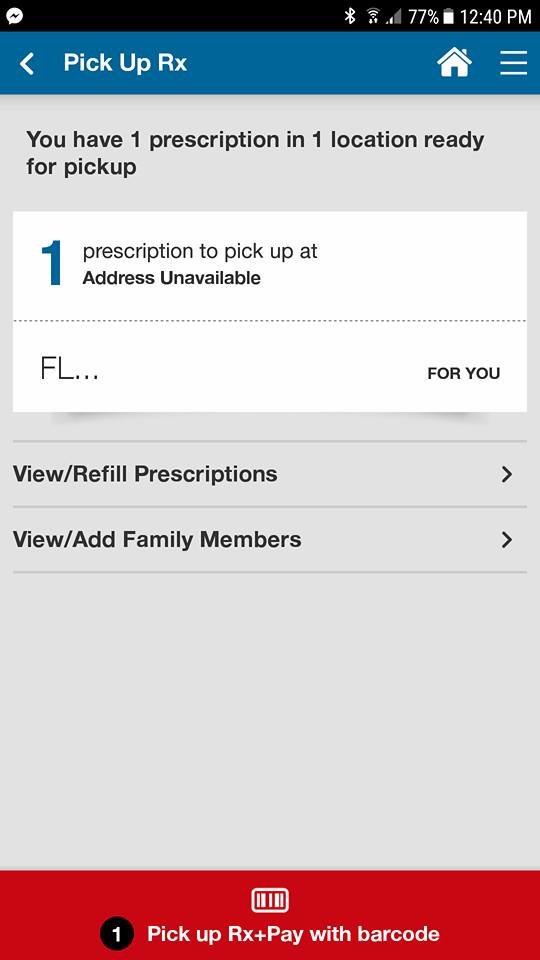
It doesn’t stop there; I can also manage prescriptions for family members. By adding my husband, I ensure that his allergy medications are consistently available.
The CVS Pharmacy app is packed with features designed for convenience:
· Pharmacy: Taking care of yours and your family’s prescriptions has never been simpler. Users of the app can scan medications, automatically refill prescriptions, view and transfer prescriptions to a CVS Pharmacy nearby, set medication reminders, check for interactions, and even pick up prescriptions by displaying the app, enhancing privacy.
· Deals & Rewards: Forget about clipping coupons! The CVS Pharmacy app delivers personalized deals based on your shopping history, which can be applied directly to your ExtraCare Rewards card.
· Photo Center: Quickly upload your favorite pictures from your phone or social media through the CVS Pharmacy app and collect the prints in-store.
· Online Shopping: Browse and purchase your beloved CVS items via the app, with straightforward reorder options for past purchases.
· Find a Store: Whether you’re at home or traveling, easily locate the nearest CVS Pharmacy outlet.
Download the app and experience the benefits for yourself!
Comments
Add Your Comment Cancel reply

Sarah L
says
There’s no CVS in Colorado, so this wouldn’t be beneficial for me.